Select Menu
Choose your preferred client or branch

Yim Menu Legacy
b3570Highly optimized to provide minimal crash risks and solid protection out-of-the-box.
Yim Menu Enhanced
b889Includes experimental Lua API features, FSL integration, and fast updates.
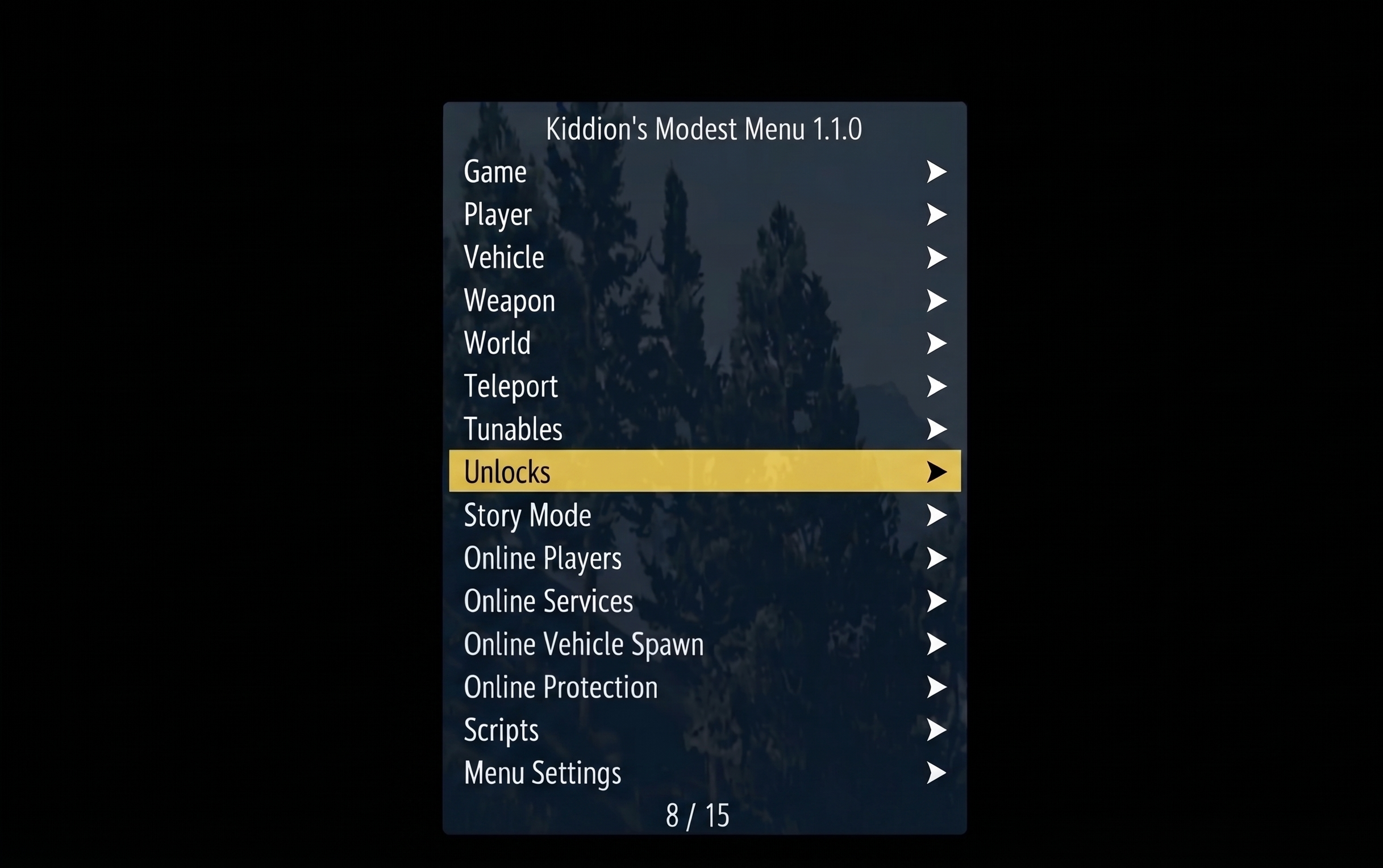
Kiddions
NewThe premier external mod menu. 100% free, safe, and fully undetected.
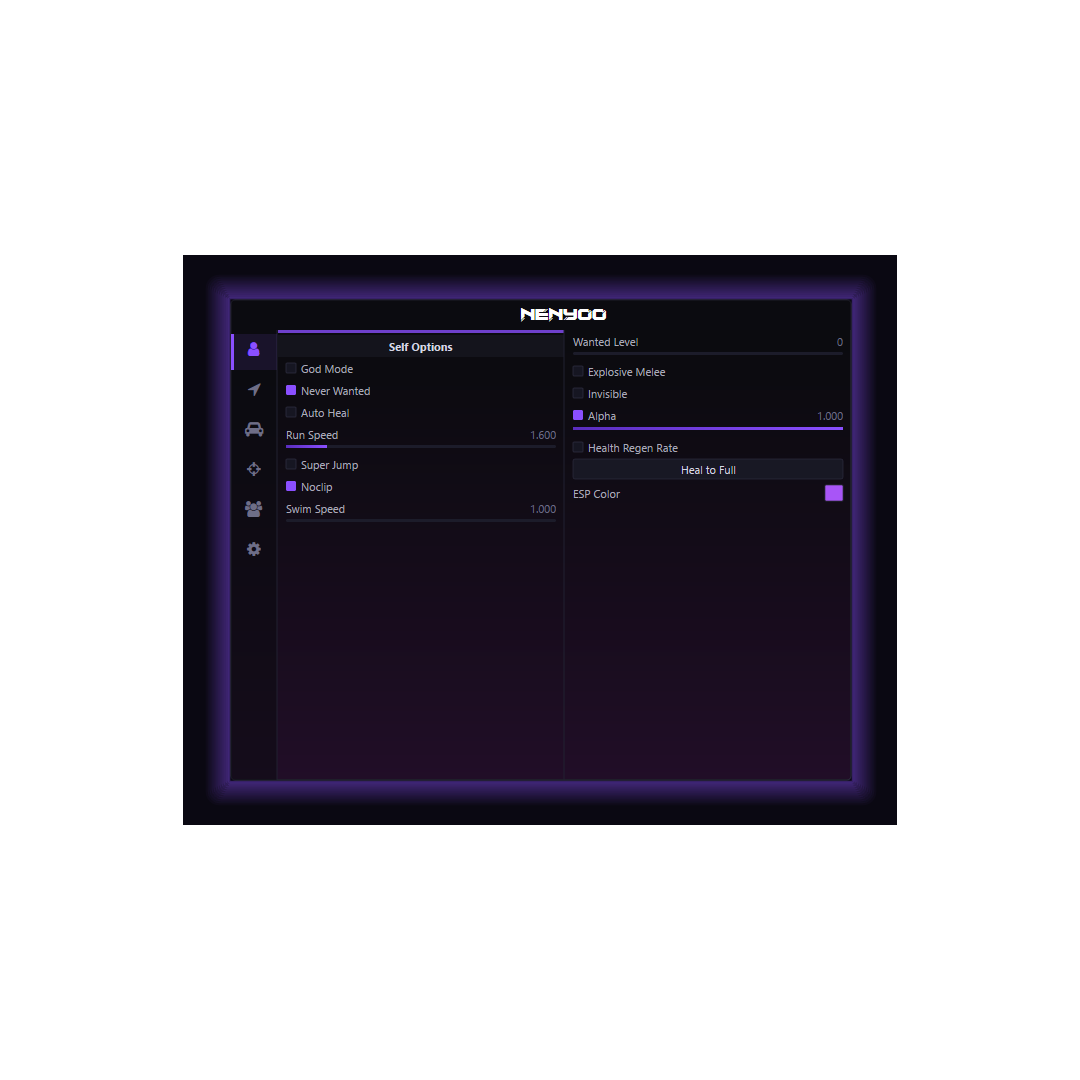
Nenyoo
NewInternal client focused on robust Lua scripting and advanced world manipulation.
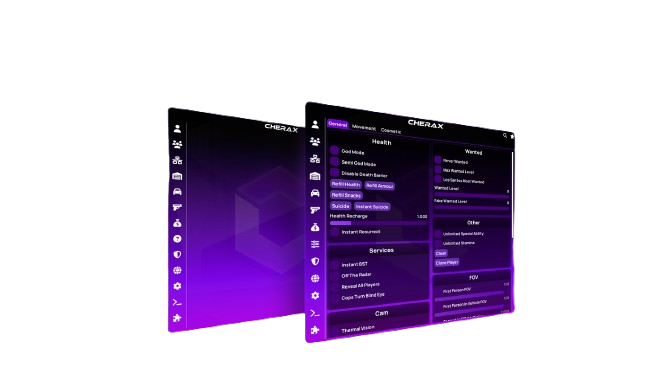
Cherax
NewThe most powerful and reliable GTA V mod menu since 2019
Critical Security Bulletin
Hello there and welcome!
The YimMenu source code has been partially DMCA'd, as a precaution we have taken down the whole repository and its contents. In the future we'll be working towards adding parts of the code base online again (mainly the Lua documentation).
For now we'll be moving to binary releases only via site. DLL files being shared outside of site should never be trusted unless you know and trust the person.
How to use?
Disable BattleEye anti-cheat, do this by signing into the Rockstar Games Launcher and disabling BattleEye anti-cheat. If you've got another launcher then don't forget to add the -nobattleye flag to the game to disable the anti-cheat there as well.
After you've taken these steps I recommend you make use of FSL, we have had some users report that they did not get banned while having had bypassed BattleEye. As you may have heard, other people that didn't make use of FSL did get banned when bypassing BattleEye, as such to lessen the chances of getting banned we recommend making use of FSL.
Find FSL here (on UC): FSL: local GTAO saves
After installing FSL please follow the following steps to make sure that you can properly join online, you can't just inject at any point in time anymore:
- Use any LoadLibraryA/W injector of your liking.
- Leave all settings on default for injection, do not follow any guides for other games as that will make your game crash.
- Load GTA V into main/start menu where you choose between "Story Mode", "Online" and "Settings" (Online may not be visible after having disabled BattleEye).
- Go back to your injector and inject.
- Go into single player, modify your settings to your liking and use YimMenu's interface to go online (do not use the game's builtin feature to go online).
 GTA V Modding 2026